Nautilus CC Plus Repair Needed
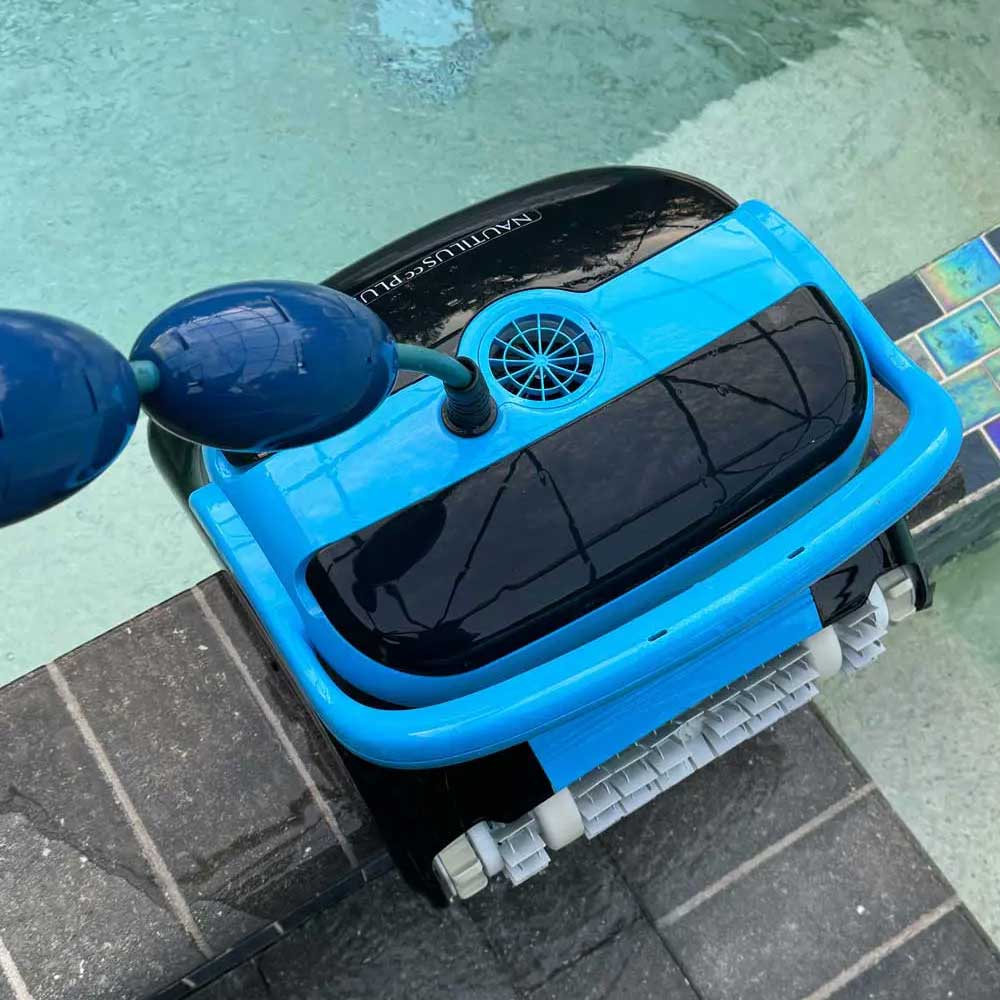
Dolphin Down, Waiting On Parts
Lab Work – Maytronics Repair, Dolphin Down. Let’s fix the Nautilus CC Plus
Looks like a new motor unit is required for the Maytronics Dolphin Nautilus series robot. Full teardown ahead.
Exciting news! A new series, Dolphin Down, is coming soon. This series is related to the repair of the Maytronics Dolphin Nautilus CC Plus. Currently, we are awaiting the arrival of a new motor unit. In the meantime, we are in the process of dismantling the Nautilus CC Plus robot in search of a malfunctioning drive motor.
Visual and physical inspection complete – the fan motor is functioning properly, passing both tests passed – underwater and out-of-water tests. Damage assessment, a few nicks, indentations, and scratches (normal wear), nothing unusual to note. Power wire is faded, bound up, but as expected, the system turns on and performs tests as expected. A multimeter check, the multimeter check confirms that the drive motor is not working.
Next, the Bearings and drive treads appear normal. Same for the motherboard. Note, pre-test functioning as expected, drive treads not working. The circuit board appears to be in functioning as expected, in working condition confirmed by the blinking green LEDs. The LEDs indicating that it is functioning as expected. This is a positive sign for our robot and the repair diagnosis.
Let’s have a look at the inspection, testing and teardown of the Dolphin Nautilus robot – robot teardown and internals. Please note, a few tools to have around, multimeter, screwdriver (Philips head), working power module and tape where needed. Same for a set of tech screwdrivers which include Philips, flat, torx etc. A soldering tool was not required for this application.
Robot Teardown
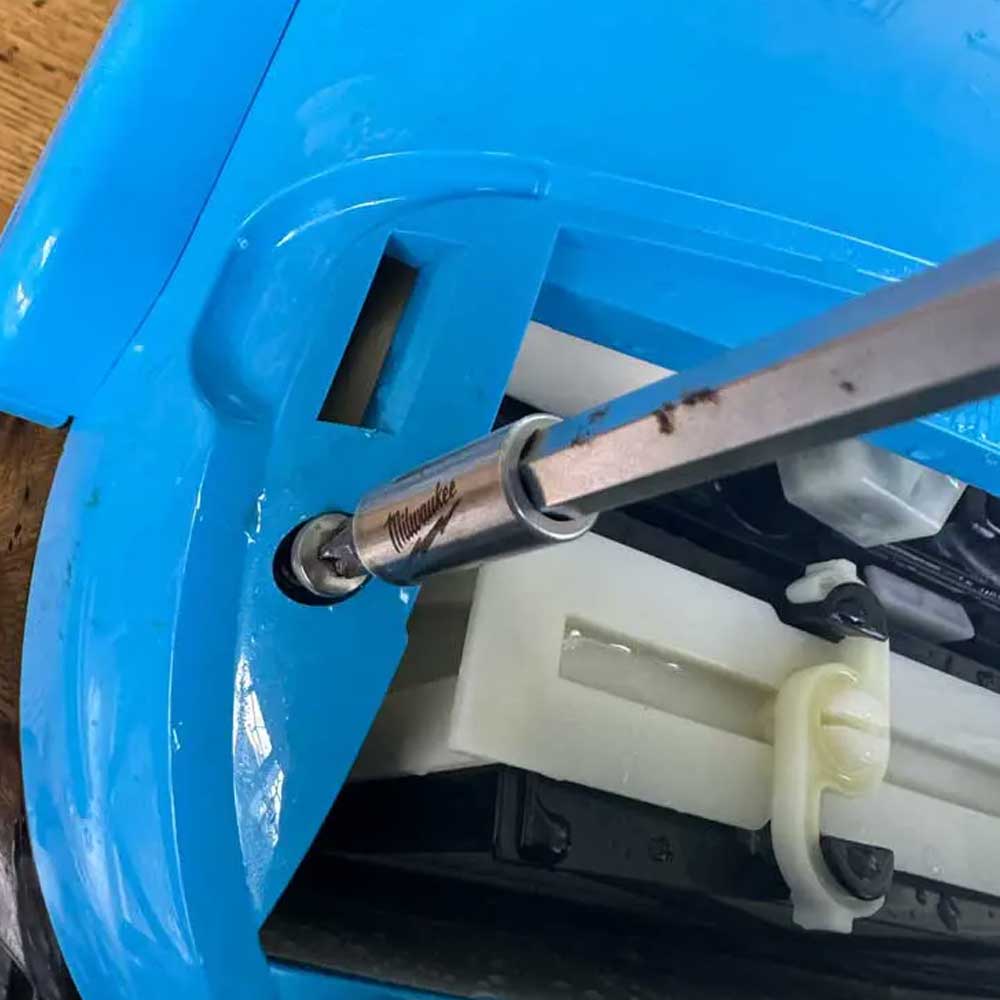
Housing
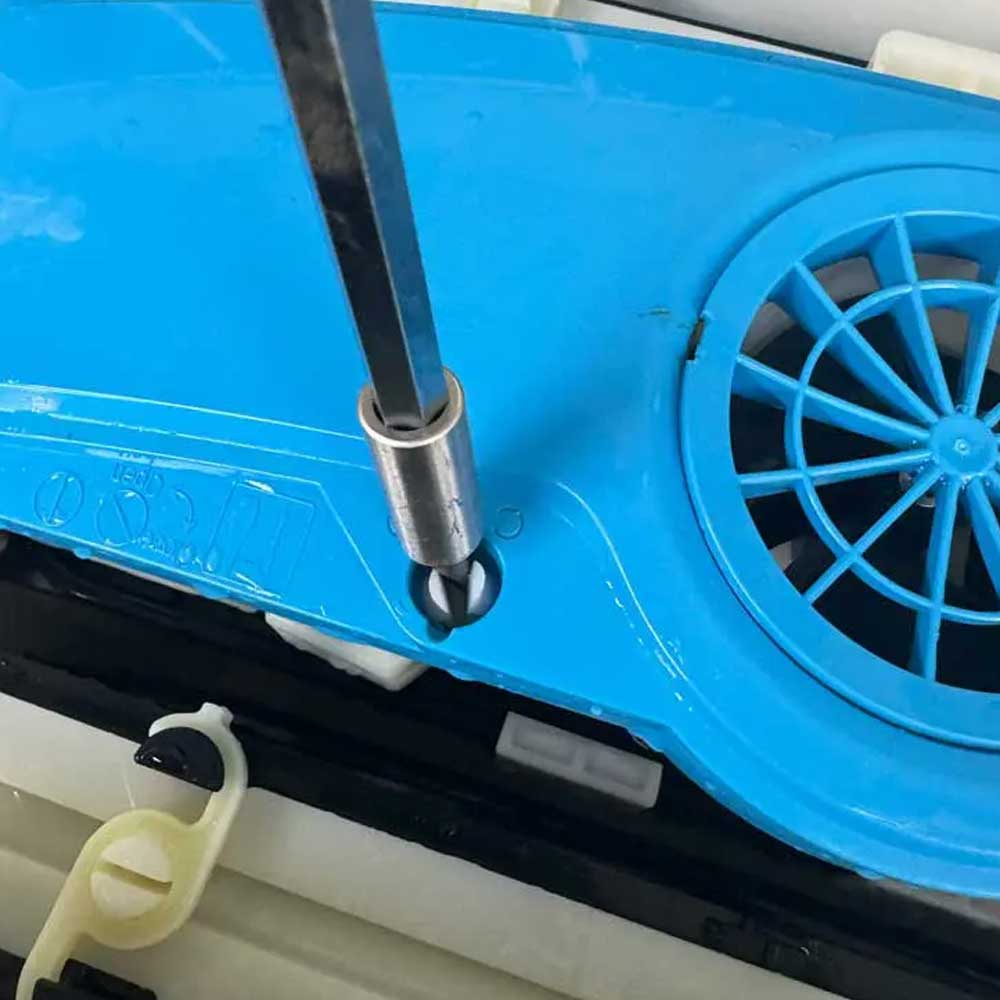
Screen Key
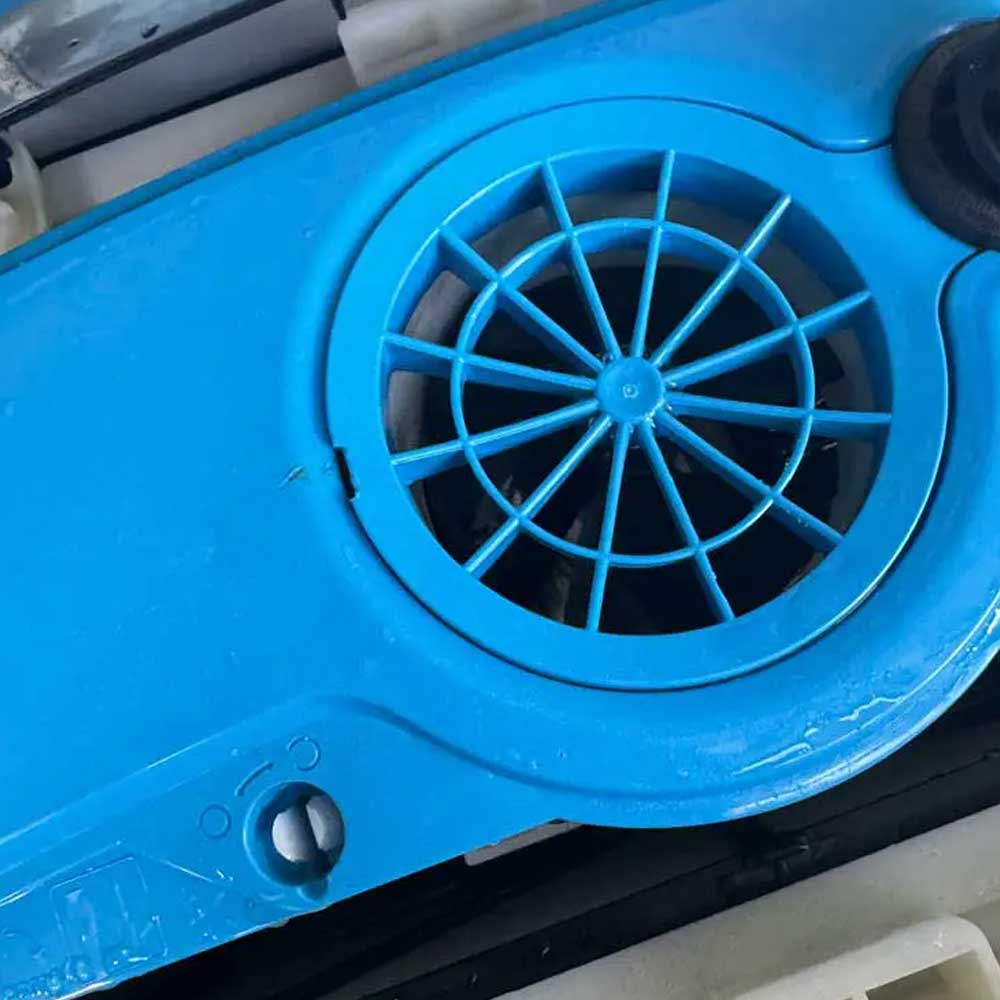
Prop Screen
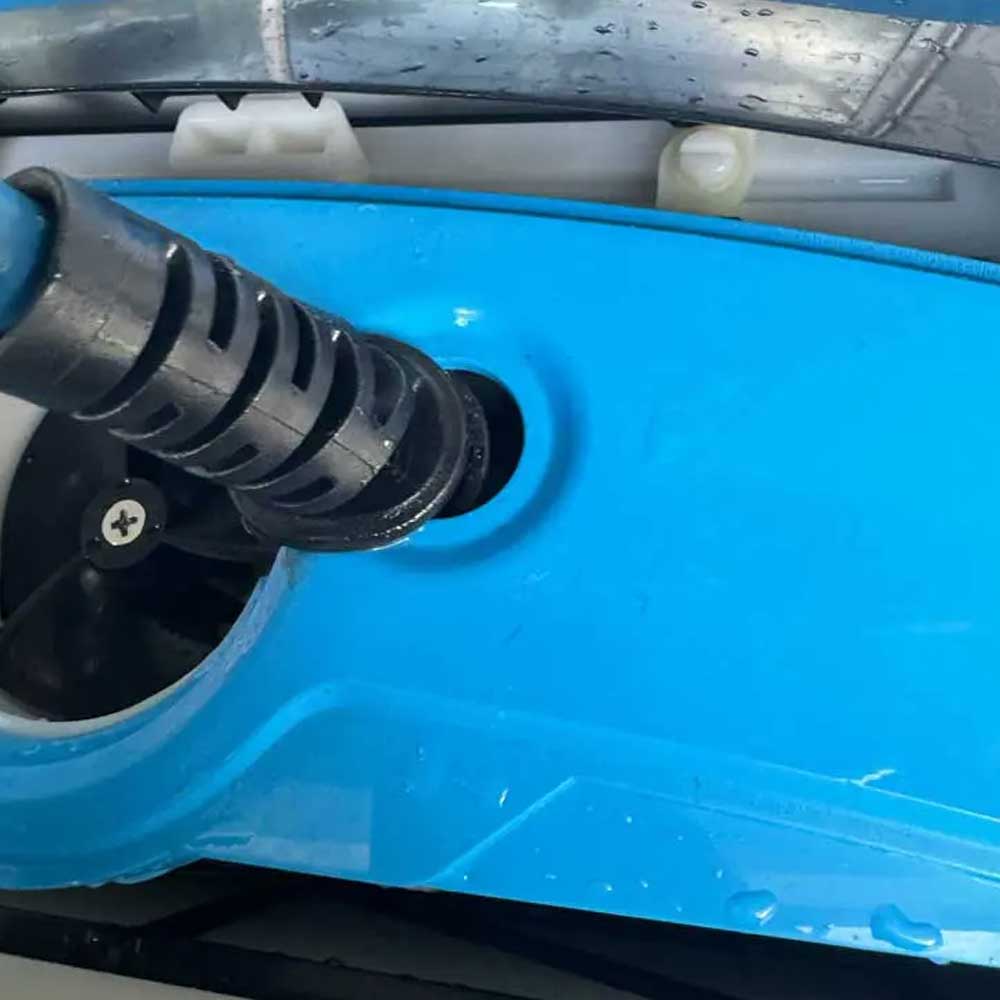
Cord
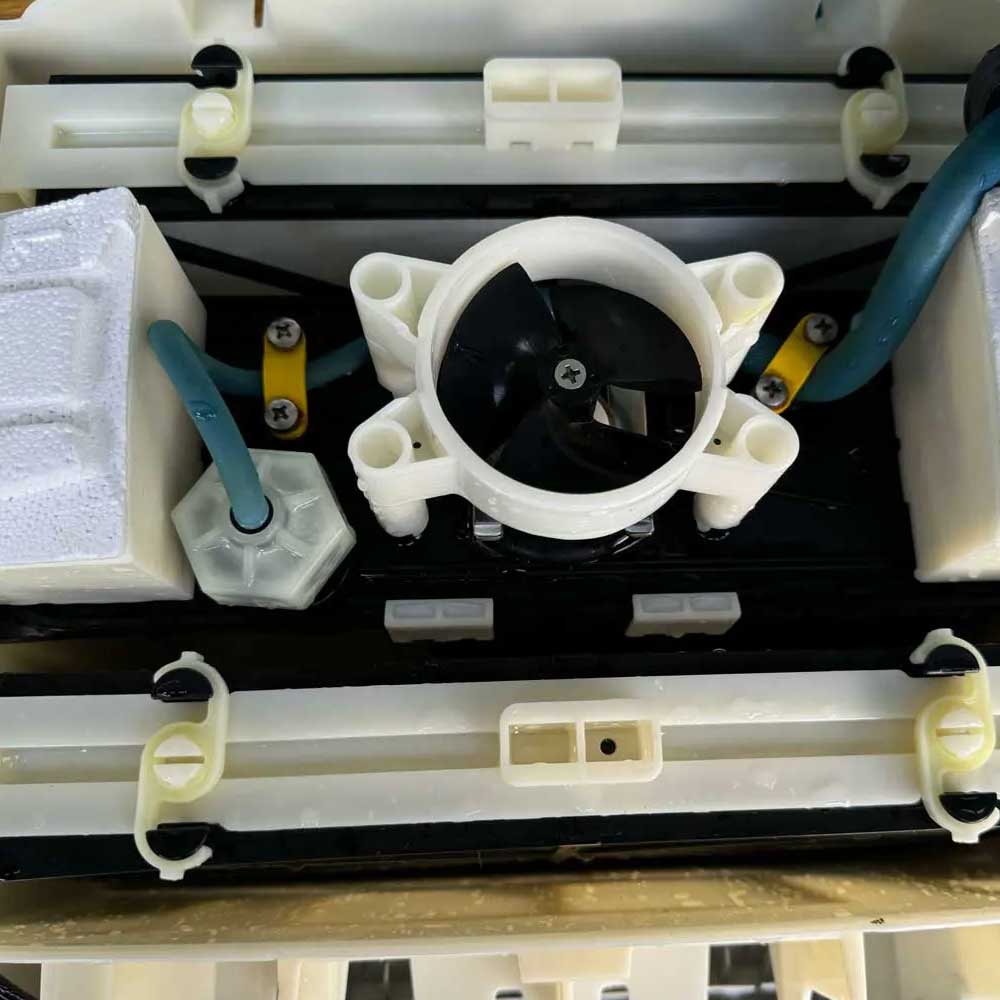
Internals
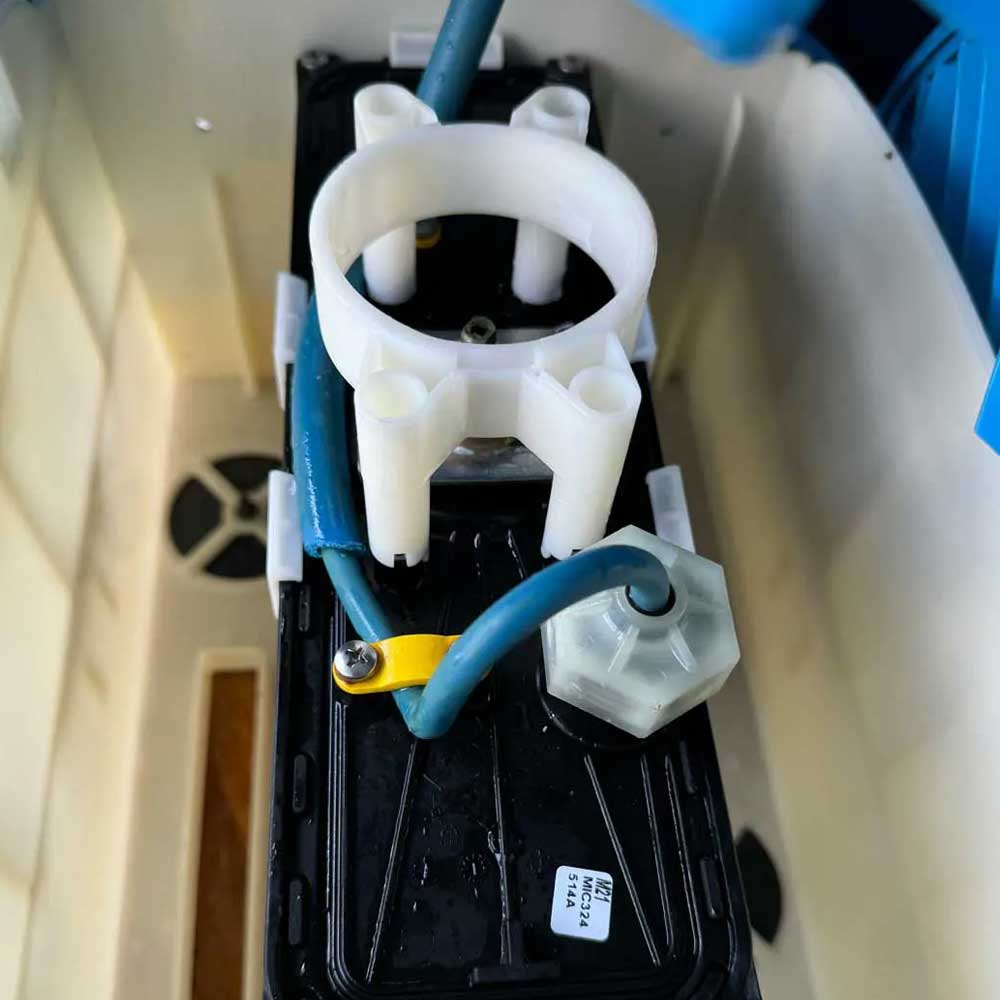
Motor Unit
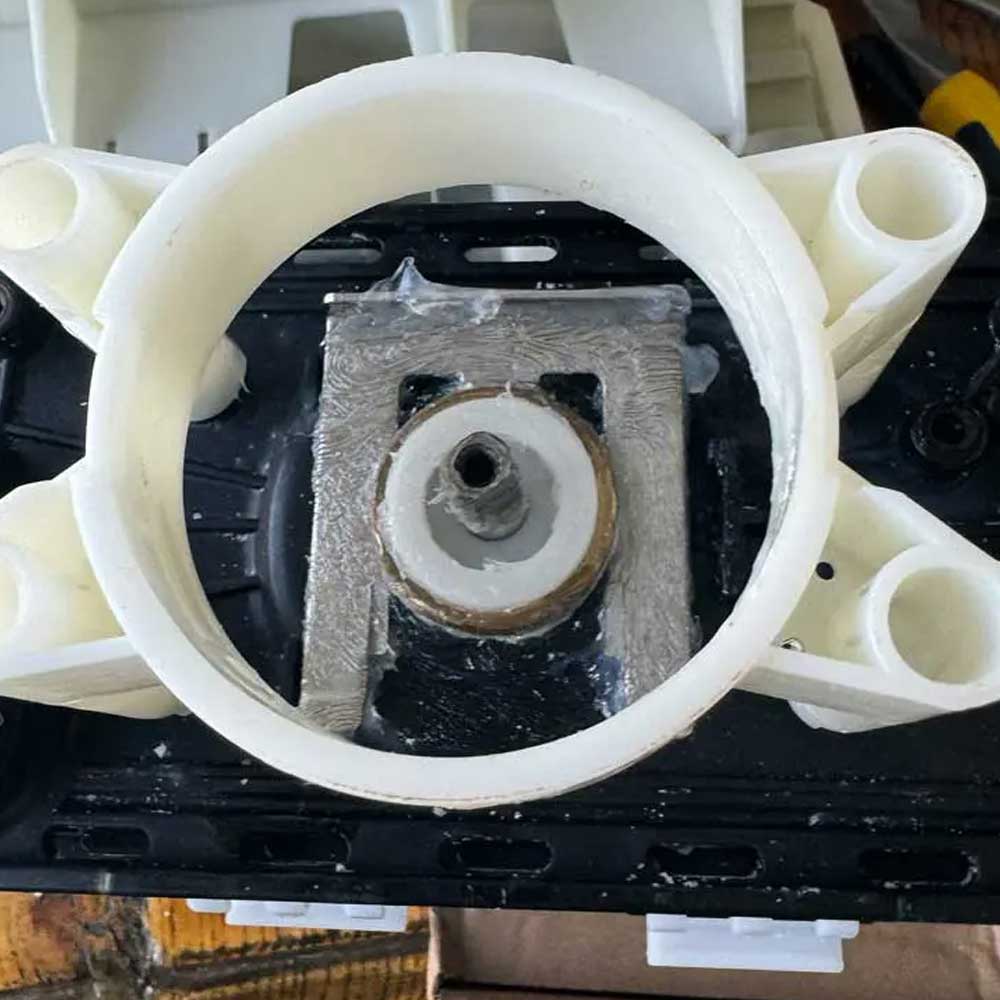
Prop Residue
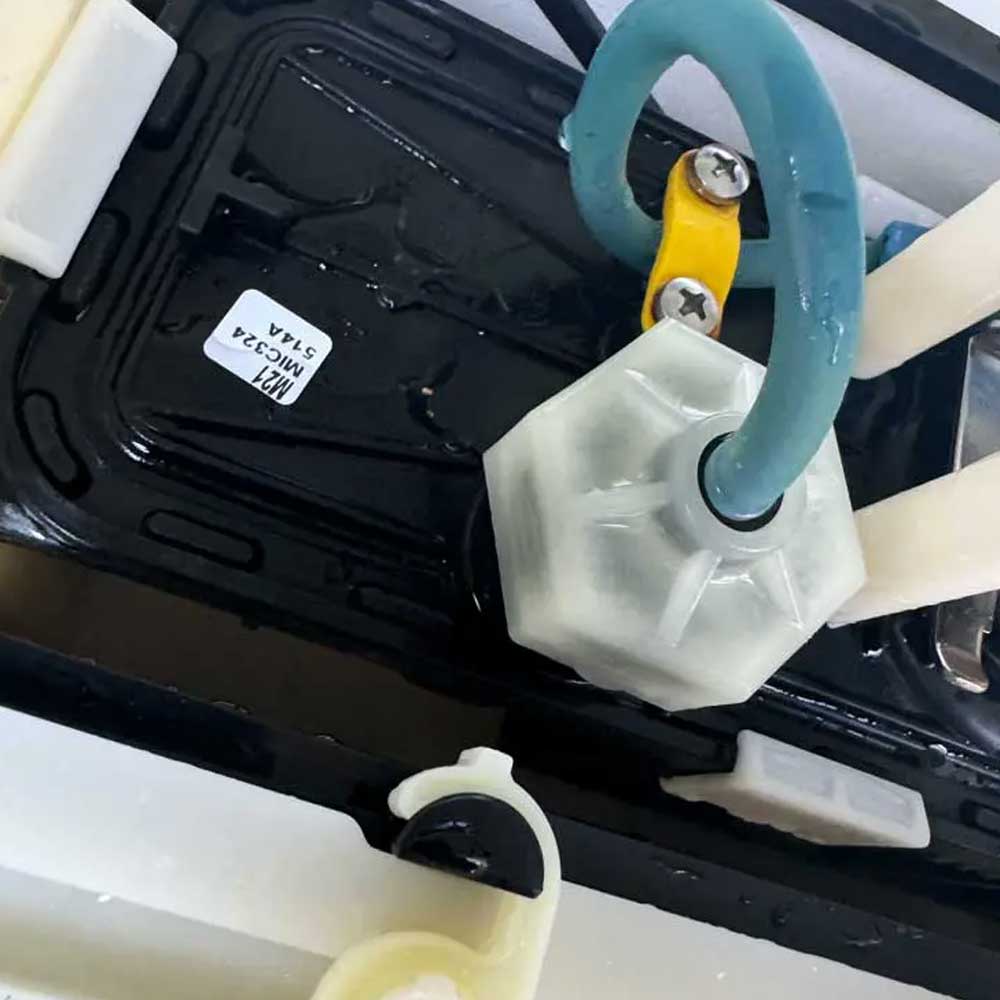
Sealed Cord
To begin the teardown process, find a safe spot and grab a multi-tool with pliers, flathead and cross bits (Phillips bits). Start by removing the power cord from the unit and unplugging the unit from the wall if necessary. First, on the Dolphin, unscrew the four screws under the filter doors to remove the top. Use the transparent or white flathead key or knob to pop open the propeller gate, which is easily accessible once the filter doors are open.
Next, slide the cord out from under the blue, body cover after removing the four main screws. Adjust the cord, remove the floats and be careful when removing the side panels. These panels should just pop off top down. Just be aware of the tabs on the bottom of the panels, this is what hold the body shells in place. Use the pliers to unscrew the blue cord connected to the power unit, as well as the four screws holding the two yellow cord strips to the unit. Unscrew the four unit screws holding the motor unit in place, and it will be free.
Robot Teardown Internals
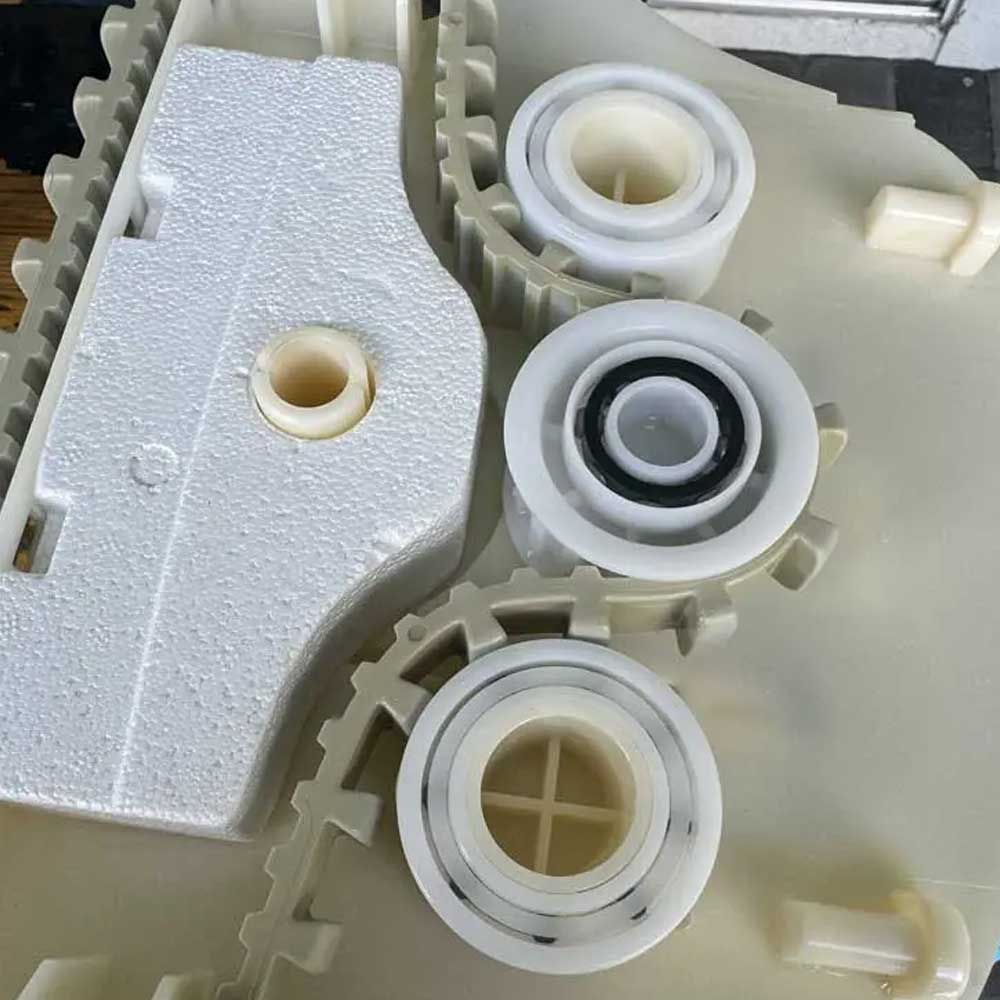
Drive Bearings
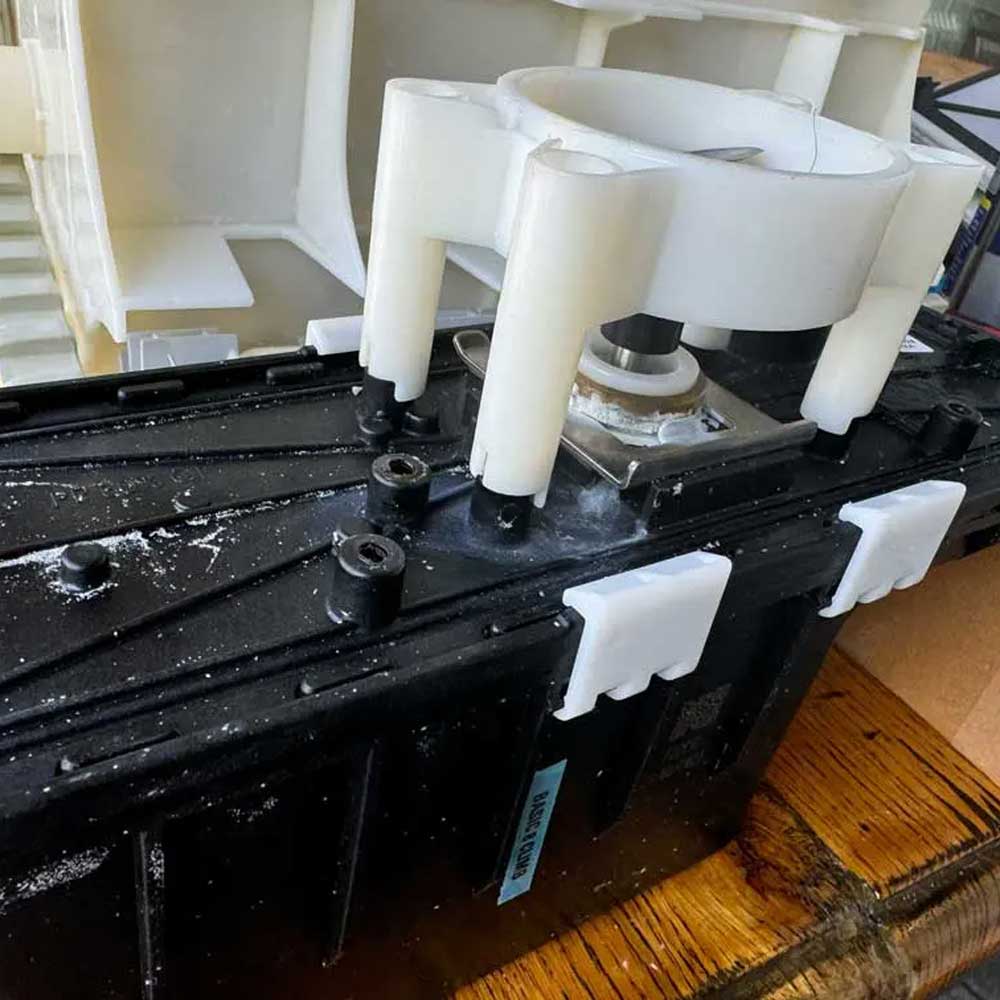
Remove Unit
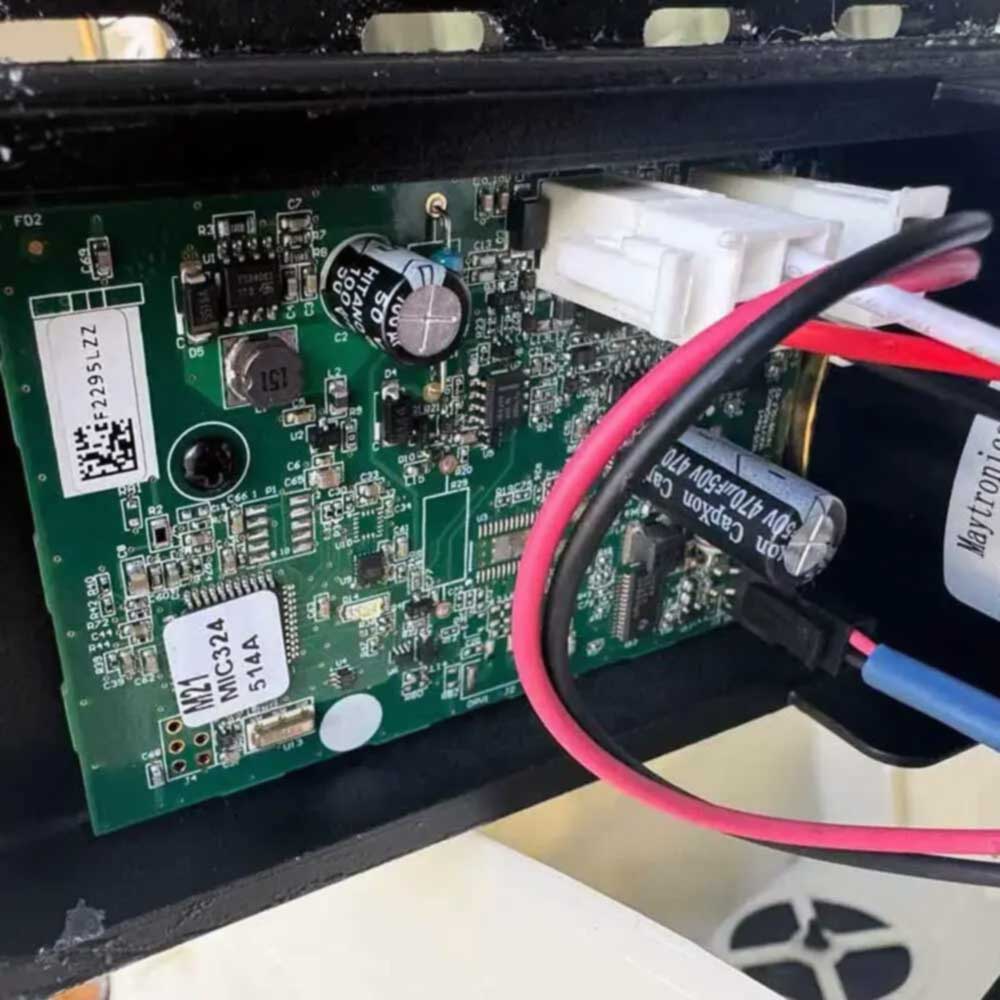
Board Check
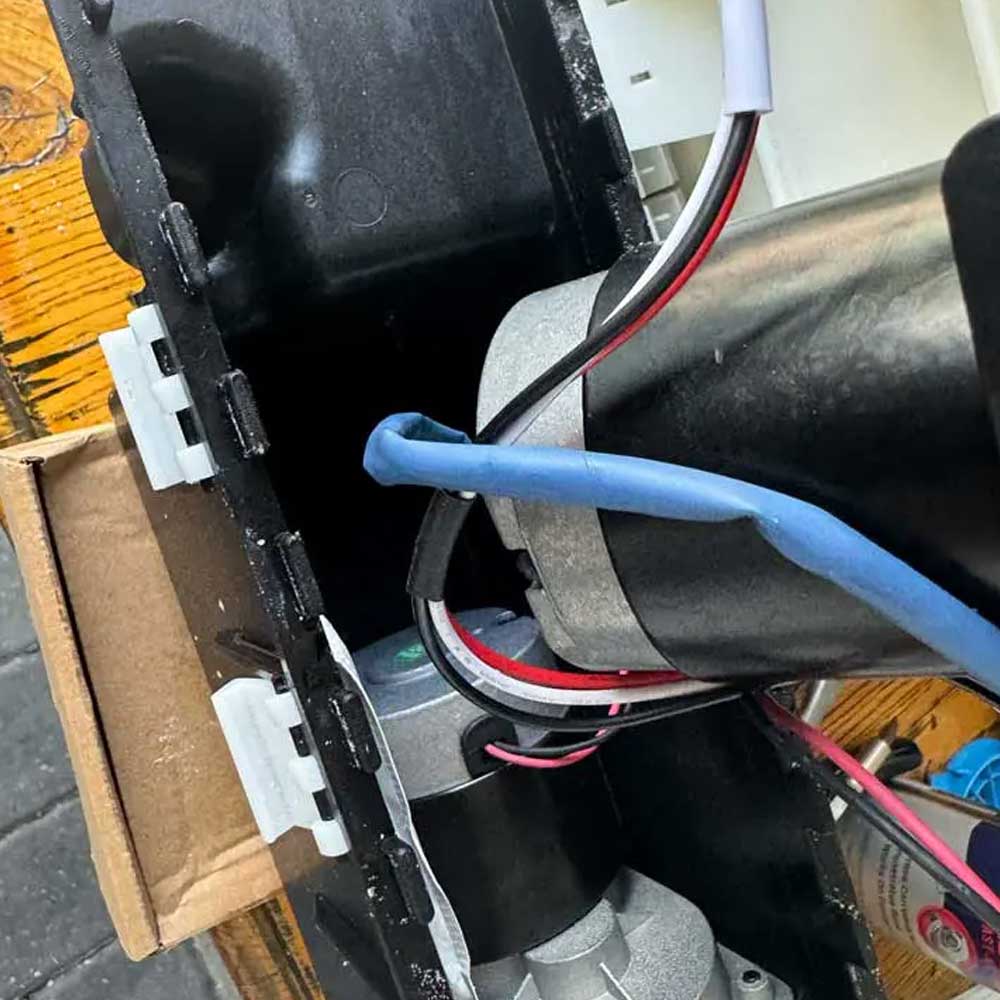
Drive Motor
Finally, check all cogs, drive belts, and wheel/hub parts. Ensure that the ball bearings are moving freely, unobstructed and are free of rust or degradation. Replace any parts that showing degradation, wear or significant rust. Fill with lubricant and reconnect parts, being careful to screw with appropriate tension. Test the robot out of water first, followed by half-submerged and fully submerged underwater tests.
*Updated – Check out the repair – Dolphin On or the first post we commented on regarding the Maytronics Nautilus Dolphin for more information on troubleshooting, maintenance and repairs. More information will be provided in the next *5 business days, as we will be receiving the new motor unit packaging up the robot and running the cleaning cycle. Thank you.
As always, feel free to leave a comment below, let us know your thoughts!
Comments
One response to “Insider Maytronics Dolphin Robot Issues”