Apple Magic Mouse, Is It Worth It?
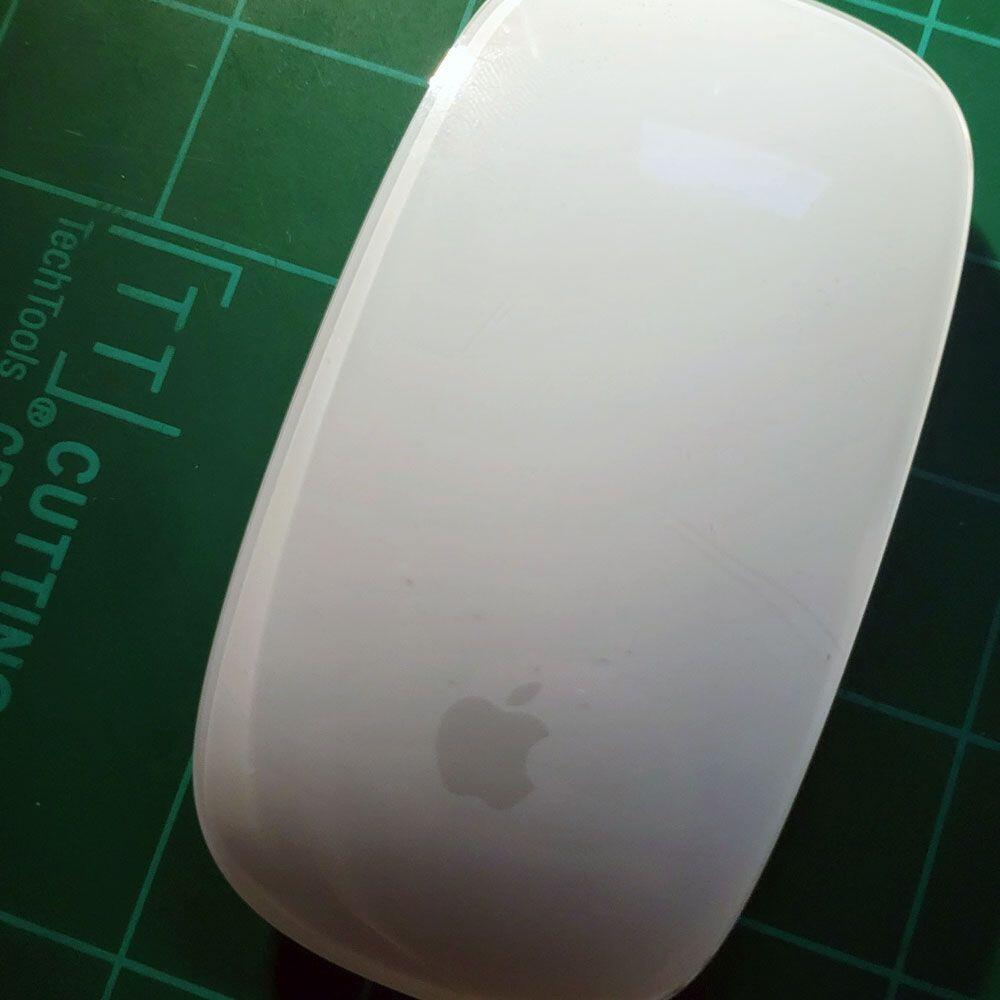
The So, So-Magic Mouse 2 And Why We Choose The Logitech M525
Gear – Apple & Logitech Mice
An everyday “work” mouse requires more; and more. It’s back up the Logitech M525 we chose as our daily driver. It’s simple, the Apple Magic Mouse has been all but unusable at times. Here’s why we switched to the M525.
Now, let’s talk about the Apple Magic Mouse, let’s cover the following…
- Magic Mouse Experience
- Why Switch?
- Logitech M525
- Wrap up
First and foremost, I appreciate the design, as a life-long Apple user. I tend to favor their aesthetics, its slimline design, shape, and gesture integration. Secondly, it has a nice weight to it, not too light or heavy. Great option for creatives, Adobe products etc.
The issue here is not so much the mouse and charging time or length of charge. More importantly, its where said charging area is placed on the device. Just awful. The issue arises after a few hours of work, when ultimately renders the mouse useless. Literally every mouse since the 70s? 80s? Has had the cord on the front, in an area where it doesn’t impede progress.
So what gives? So, this is a huge failure in my mind. Virtually and physically stopping any chance of work to charge, is a complete failure. The charging receptacle is on the bottom of the mouse, it needs charging more frequently. So, in hindsight, I would not recommend this device, plus it’s still $72 or more for the device at pre-owned prices.
As someone who has always used Apple products, this mouse seems to be less useful than those 80s mice. I’m not sure if there are bugs or battery issues, but it’s a hassle to charge. A BIG HASSLE. Why would you design a mouse with a charging cord on the bottom? Making it completely useless when charging? Makes absolutely zero sense from a user experience perspective.
The problem here is that the mouse has become unusable.
Apple & Logitech Mice
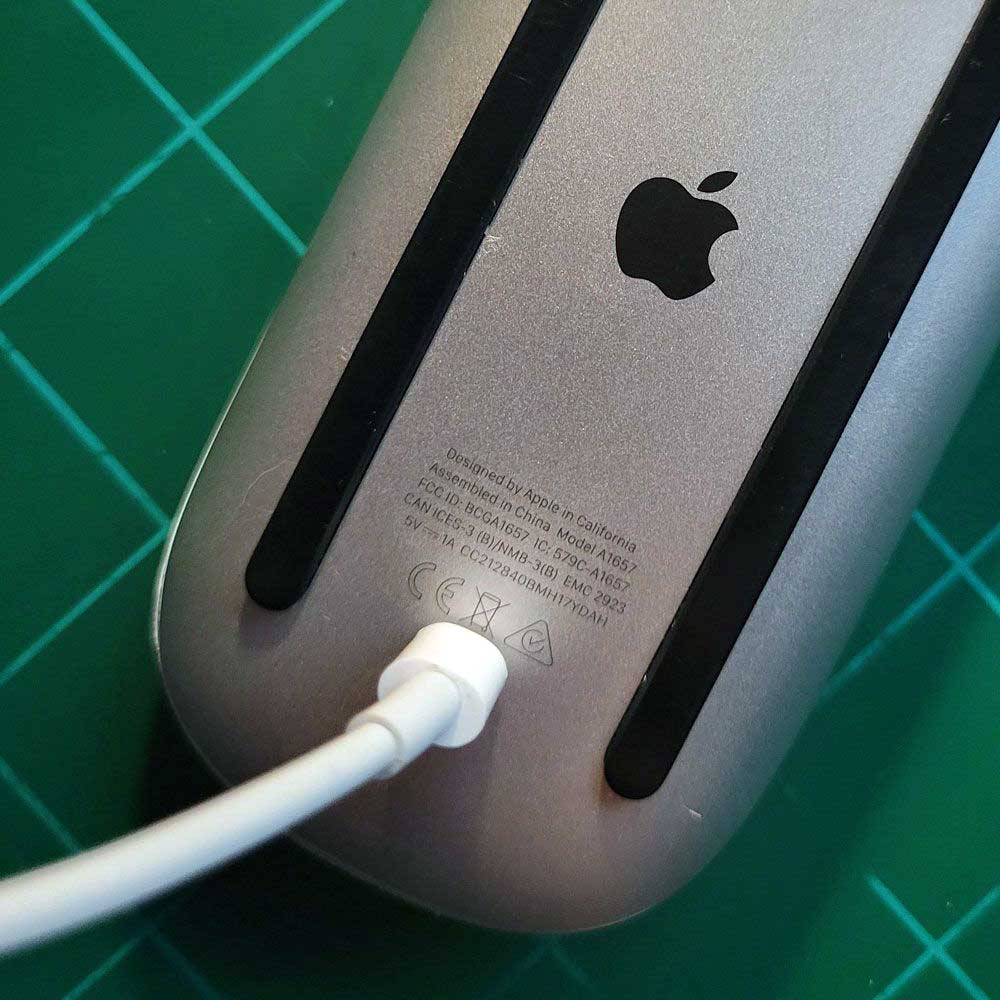
Apple Charge
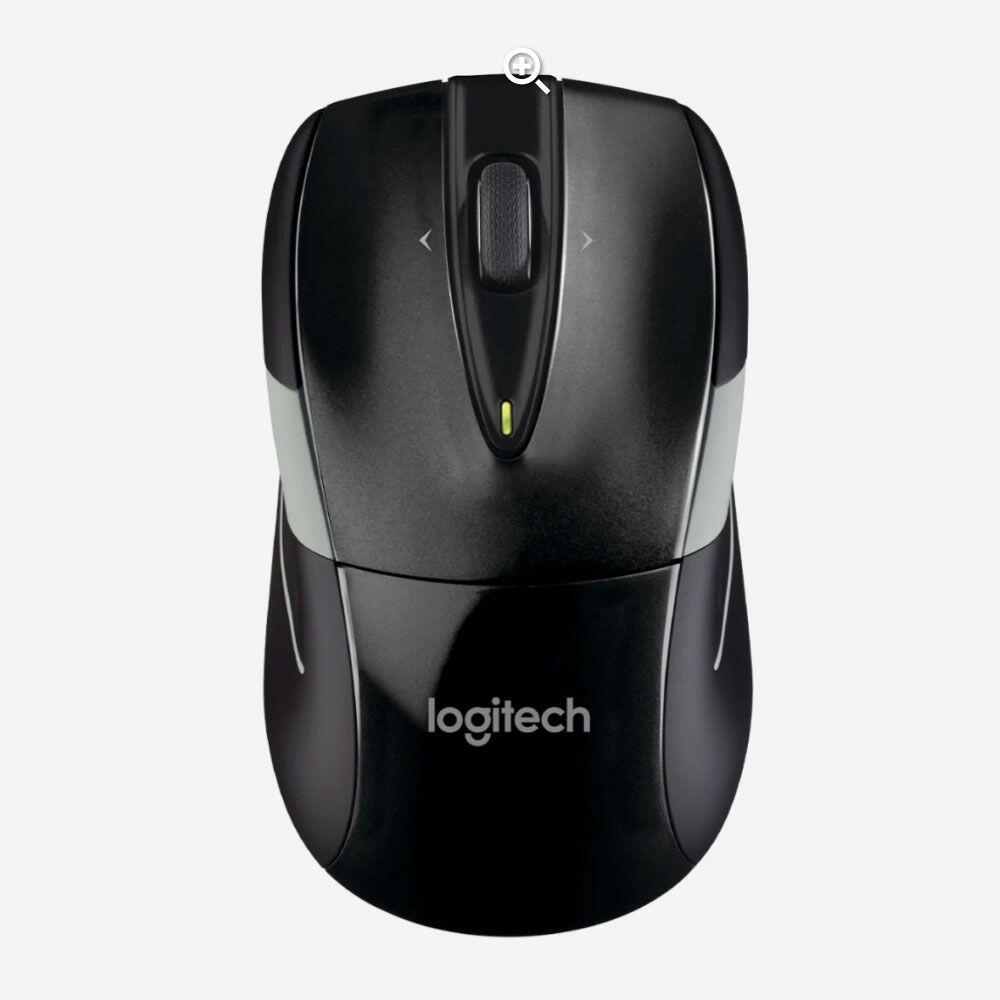
Logitech Mouse
So, while we are currently charging the Apple Mouse (seriously, I’ve got the Logitech mouse on), clicking away… Thirdly, we got the Magic Mouse – Multi-Touch Surface a few months back and are increasingly learning to find something else to use.
Love the gestures, but can’t use the mouse. Makes no sense. Again, love the gesturing, touch surface options, but every 8 hours I’ve got to plug this thing in. What about the next 4 to 6 hours? We are left with a paperweight for a good 1.5 hours while the device charges up.
Moving on to the M525, no gestures, just a Plain-Jane type of mouse… Small, simple to use, user-friendly, the kind of mouse to “get stuff done”. The device is both Bluetooth/USB enabled if need be, heavier than some of the smaller mice. Charging is a non-factor as batteries are used. As long as you have a few spare batteries, you’re in business for months. One has to assume, batteries are key.
Plus, there is a handy internal storage area for the USB dongle when not in use. Newer laptops don’t necessarily require the dongle, so your set for most computers on the market. So, years and years worth of computer coverage. It has a wheel, laser for tracking and it works. Feel is nice, this little mouse is precise and able to work when you need it.
It’s a reliable accessory and remains as my everyday carry for work. If you’re interested in Apple products, review etc., read more about our thoughts on the addition of a Bluetooth keypad (side gamer keyboard), Apple TV 4k, MagSafe Pack, and Apple Services rendered.
Final Thought, in conclusion, if you want to over spend on an Apple mouse, get the trackpad, skip the mouse… always carry a secondary pointer device in case of emergencies. We do, and that is the Logitech M525. Buy one today.