Ender Series TPU Upgrade, Upgrade Kickoff – Part 1
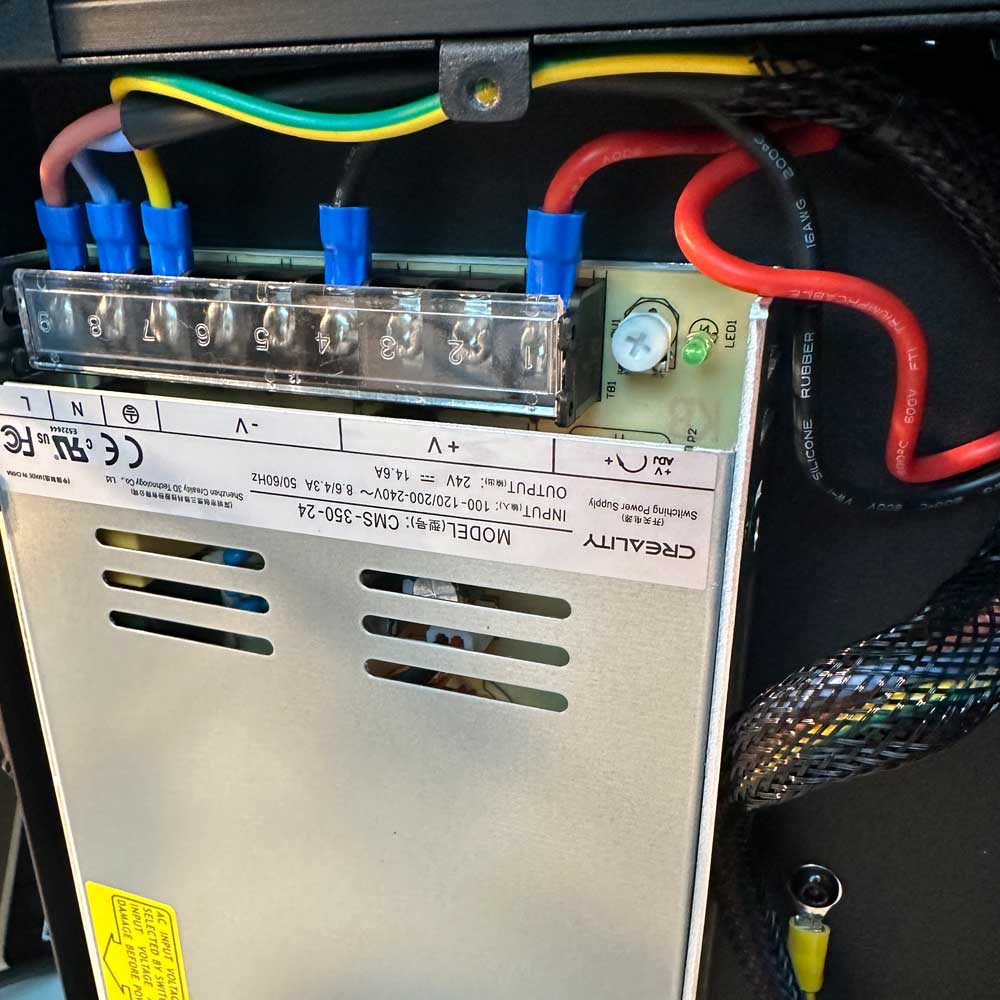
Ender Teardown, Rebuild – Start
Lab Work – Teardown Part 1
A few steps into the Ender Teardown, rebuild part 1 – Let’s replace wires, internal fans, extruder parts etc. Let’s start!
Follow along, check out the printer teardown steps, troubleshooting methods, issues and the start of our upgrade process.
Step One
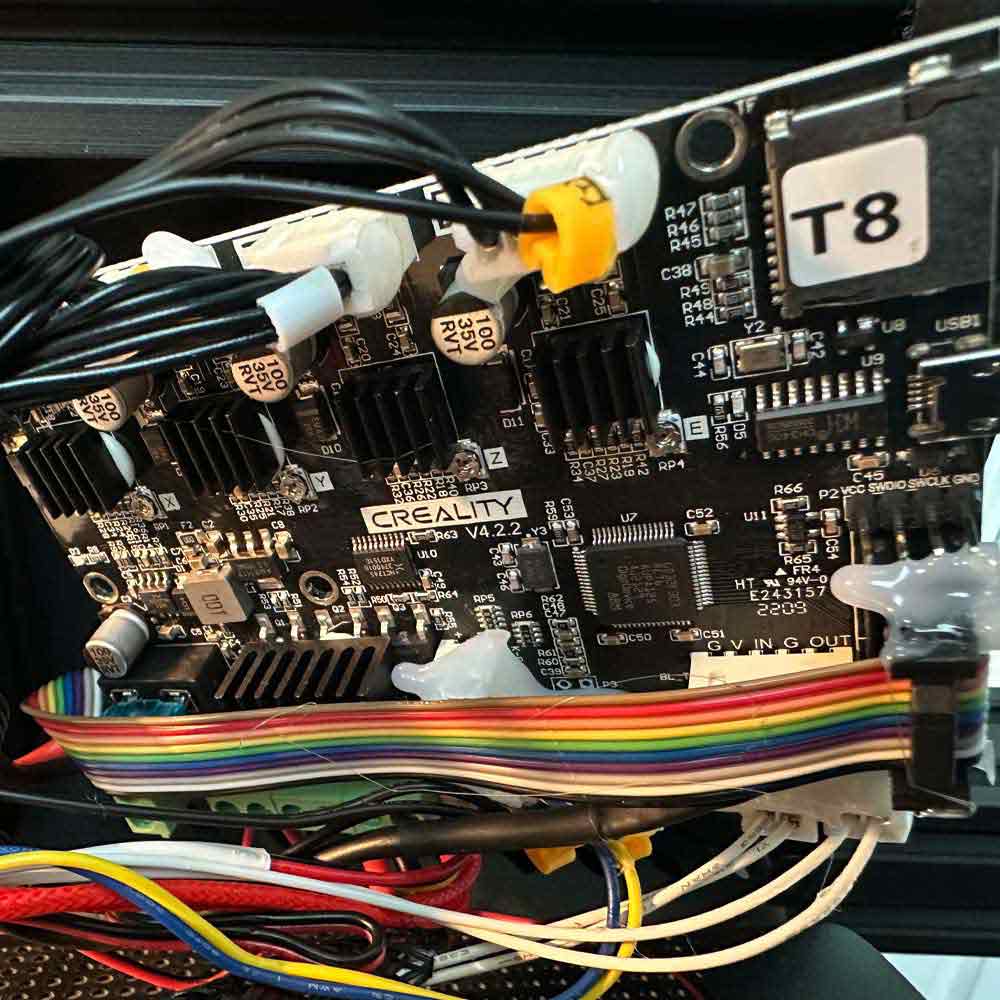
Motherboard
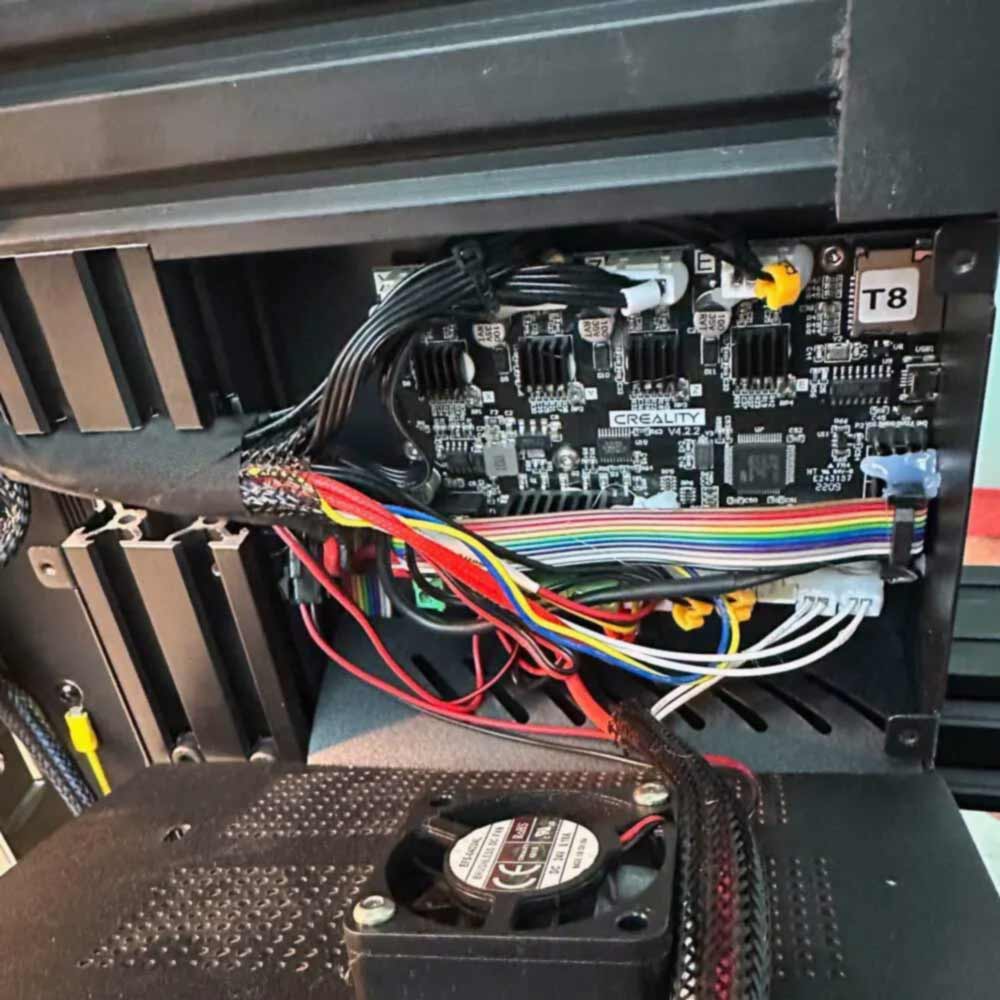
Old Wires
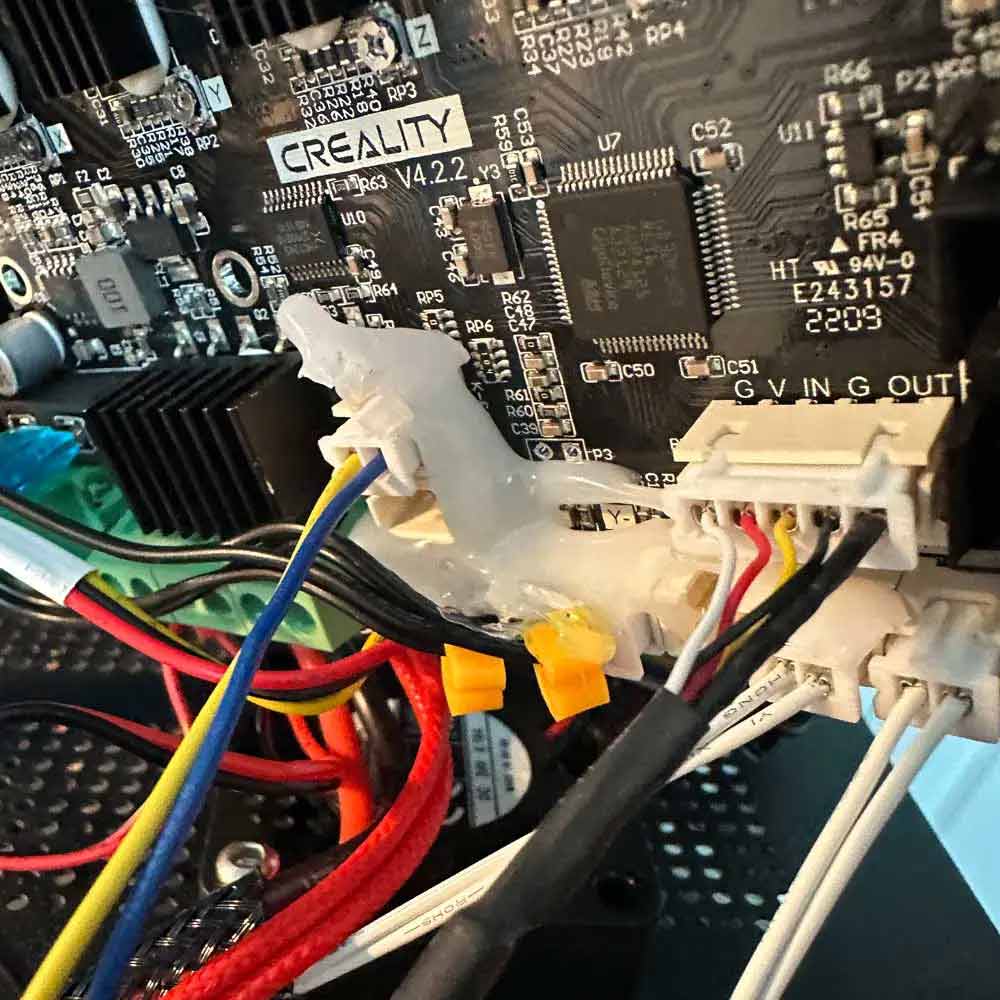
Remove Hot Glue
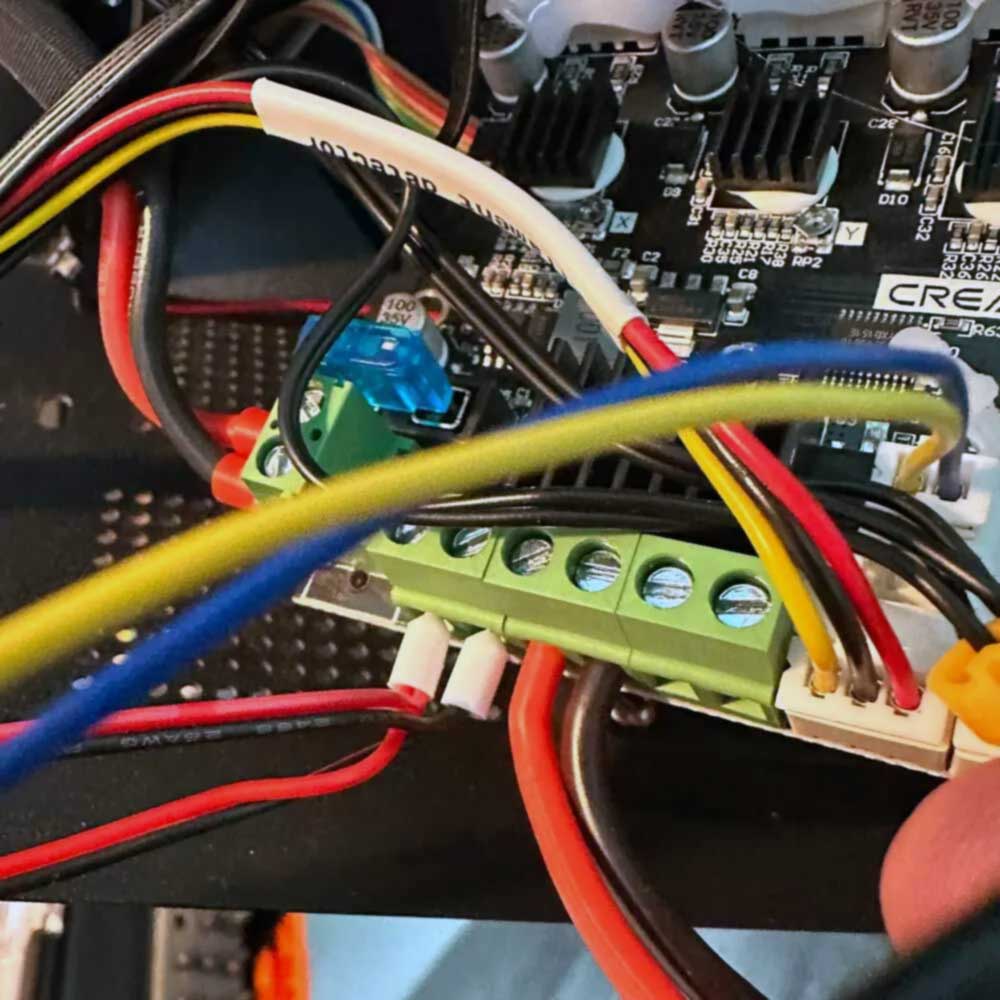
Fan Port
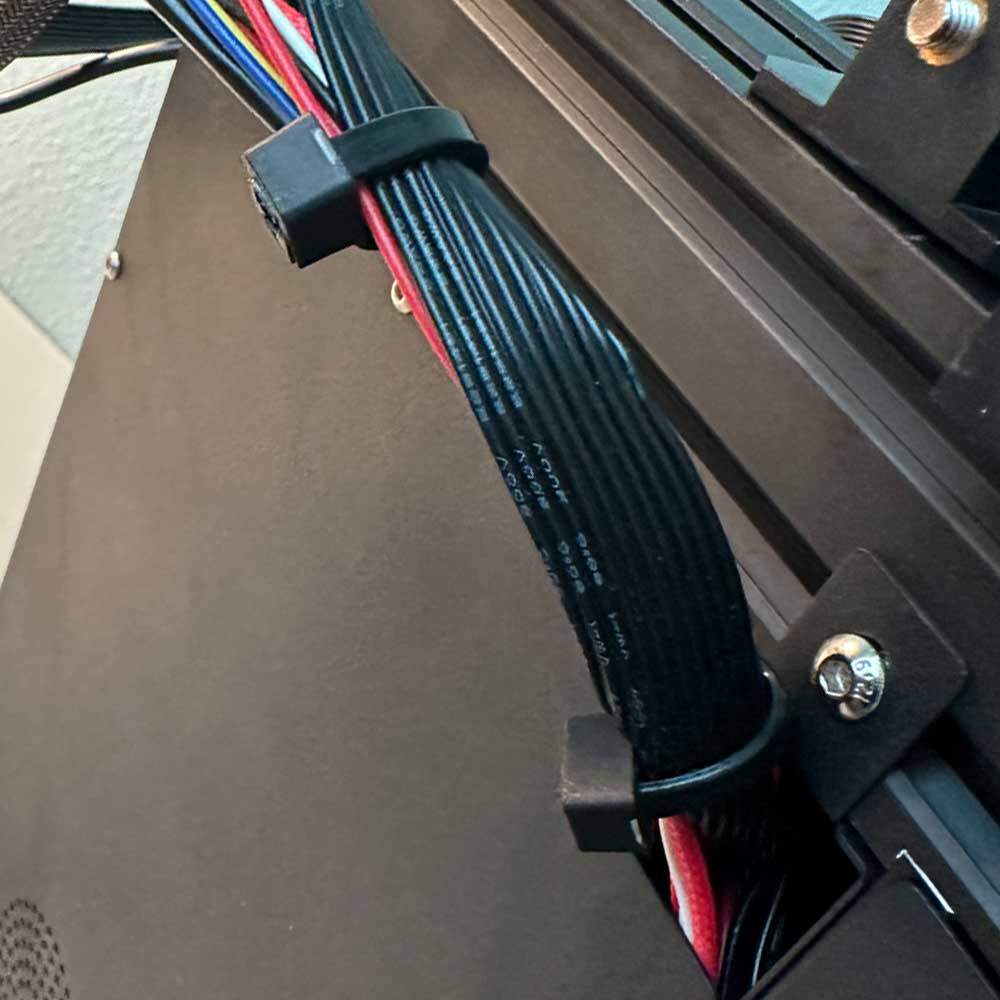
Rewrap
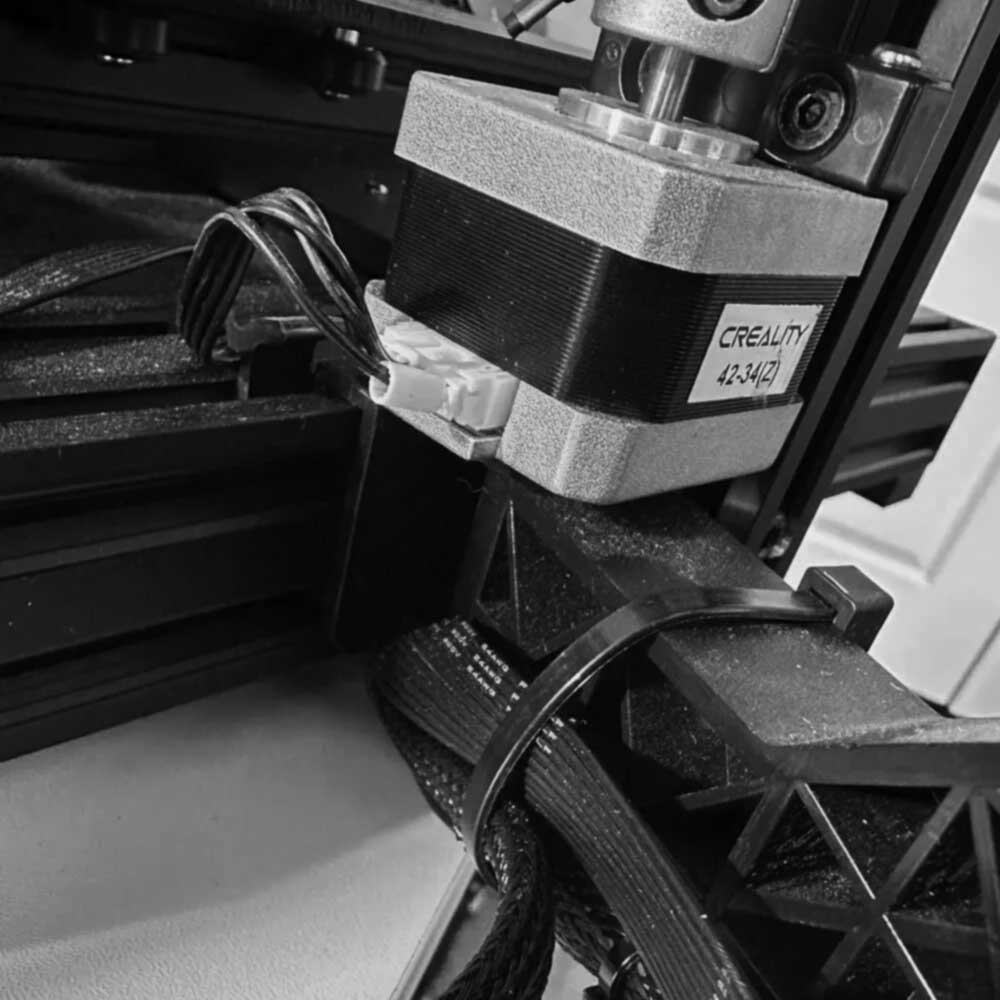
Reattach
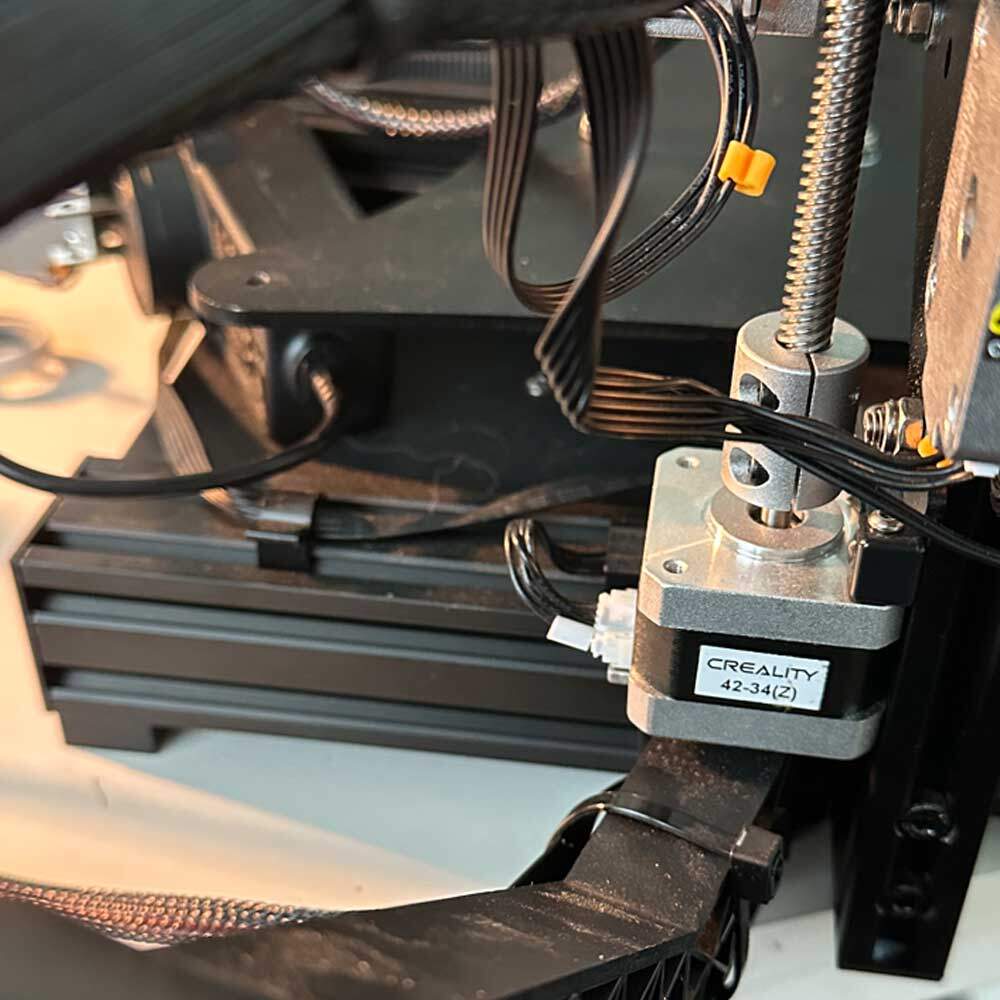
Power On
Next Steps, Rebuild Part 1, Step 2
Excellent! The first phase (Ender Teardown, rebuild part 1) is complete, and we are moving onto Rebuild Part 2, which will be more challenging. This part of the build will involve swapping the extruders from Bowden to Direct Drive and potentially replacing the backplate depending on the hardware and tools required.
It’s important to note that the backplates are not identical (something we will cover in next step or supporting, stand alone article). For now, we make the necessary adjustments to move on. We plan to proceed with the swap and salvage the old plate. It shouldn’t be too difficult, especially now that we have completed part 1. Removing the hot glue can be tricky, just be mindful glue and wires are great for shipping printer motion but once you get past that and the screw, everything should go smoothly.
This seems like a good place to end part 1. I will post another update on the tool set we used to complete the Ender Teardown. I have recently added a Klein driver set, a handy multi-tool to complement the new Torx set. Check back soon for more updates in round two!